Switch projects. Keep your draft.
Switch working copies in a persistent sidebar and drag to reorder. Commit drafts, selections, and filters stay with each project during the session.
SVN FOR YOUR MAC. AND YOUR EVERYDAY.
Ignore files globally. One set of rules for every project.
Review diffs, choose what to commit, and stash unfinished work. Make everyday SVN feel easier.
Windows · macOS · Linux / Open source · MIT license
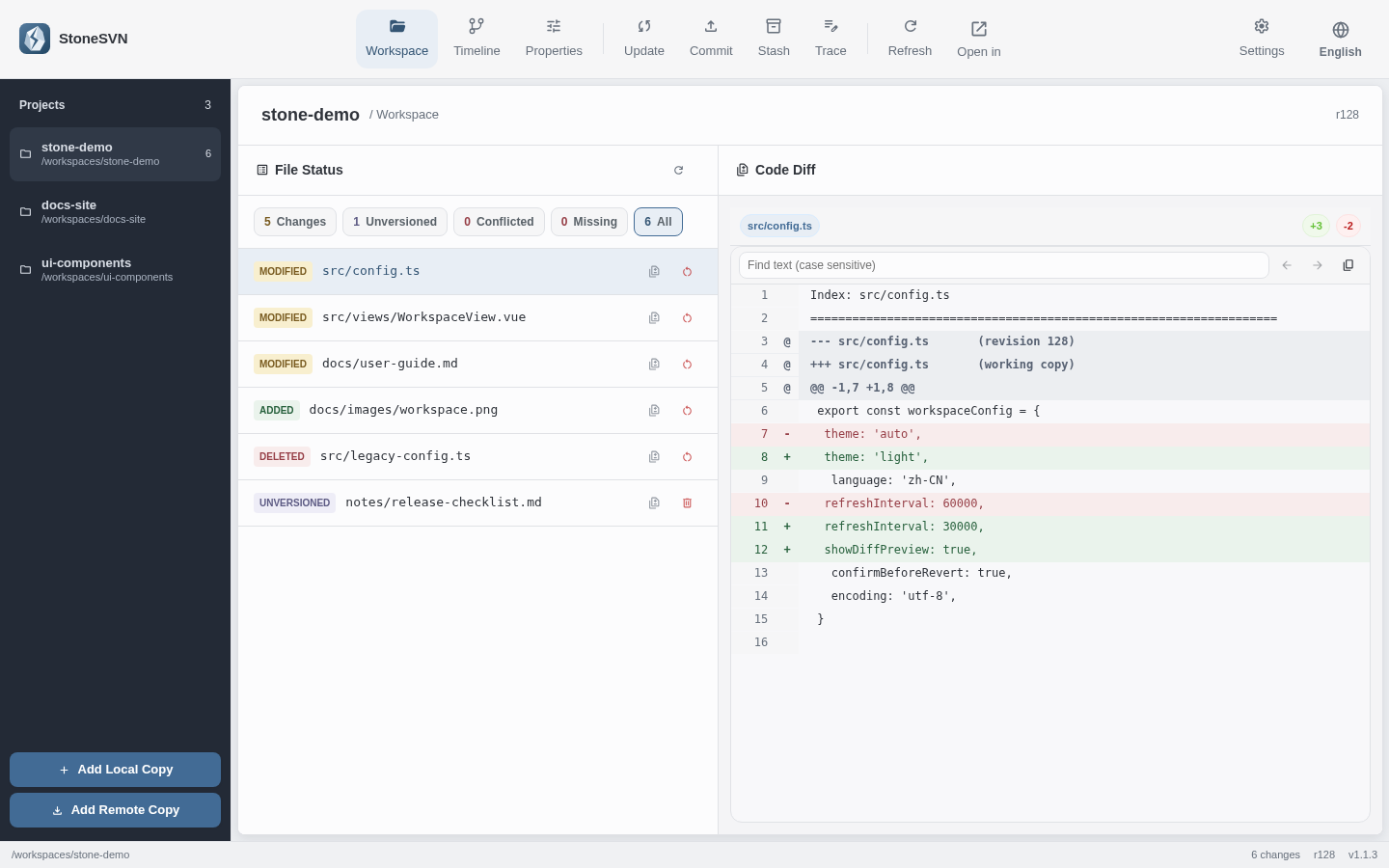
Actual app UI · Fictional projects and sample data
ONE RULE. EVERY WORKING COPY.
Logs, system files, dependency folders. Stop filtering the same noise in every project and before every commit.
Configure and enable rules in Settings → File Filters. Every working copy shares them. Matching items stay out of the list, with scope checks when adding files and committing.
Explore global ignore rules ↗.DS_StoreIgnore Mac system files*.logIgnore logs at any depth**/node_modulesIgnore dependency folders and contentsUse names, paths, and wildcards. StoneSVN applies these filters locally without changing the repository’s SVN ignore properties.
A CALMER WORKFLOW
From opening a working copy to committing changes,
keep everyday tools within reach.
Switch working copies in a persistent sidebar and drag to reorder. Commit drafts, selections, and filters stay with each project during the session.
Review text diffs and image previews, then select files or directories to commit. Your selections and commit message remain when you return from a diff.
Stash whole files or selected text hunks locally, then restore them to the original working copy. Copy or export text patches when needed.
Rename or move versioned files and directories in Properties, then jump to the new path. Directory move commits validate the full source and destination scope.
Keep manually resolved content, or choose the local or repository version. Organize directory and tree conflicts first, then review and commit the result.
Review the affected file tree before recursive revert. You can also restore clean, complete, single-revision directories to a historical revision as local changes for a separate commit.
THE DETAILS MATTER
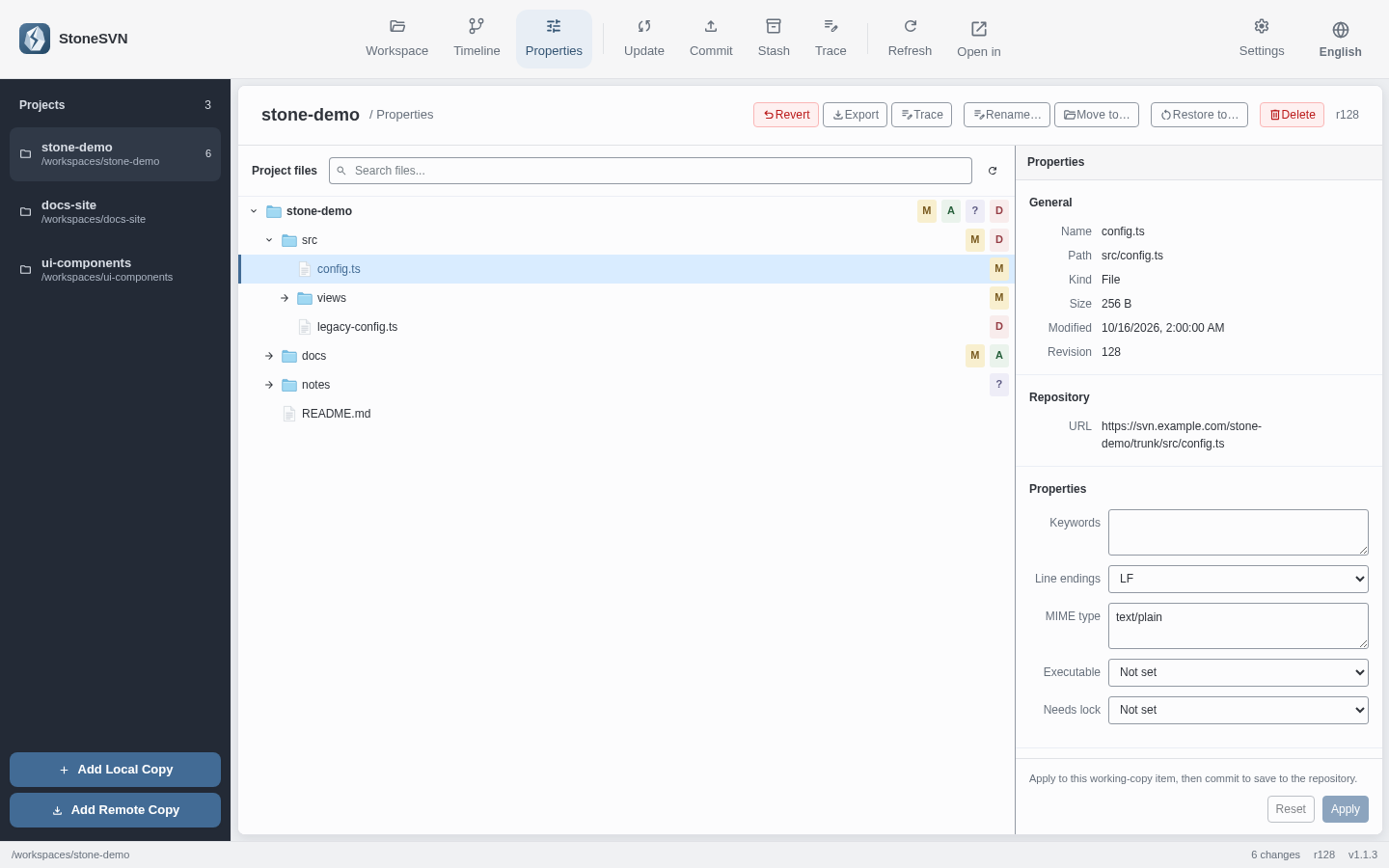
Browse the project tree, find files, edit SVN properties, or follow the commit timeline to inspect historical diffs. Everyday maintenance, all close at hand.
MAKE YOURSELF AT HOME
The same StoneSVN, wherever you work.
Free to use. Open source.
Choose the build for your Mac’s chip
Apple silicon ↓ .dmgIntel ↓ .dmgFind your chip in About This MacFor x64 devices
Download installer ↓ .exeDownload MSI ↓ .msiConfigure your local SVN CLI after installationFor x86_64 / amd64 devices
Download AppImage ↓Uses your system’s SVN command-line toolCurrent version v1.1.3 · Release notes & all downloads ↗
Before you begin StoneSVN requires a local SVN CLI installation. It is detected on first launch, or you can set its path in Settings. macOS builds are not notarized by Apple. If opening is blocked, choose Open Anyway in System Settings → Privacy & Security.Read the guide ↗
What’s new · v1.1.3
Yes. StoneSVN is free and open source under the MIT license. Explore the code, report issues, or contribute to the project.
No. StoneSVN uses your local SVN CLI to open existing working copies or check out remote repositories. Start with the quick start guide if you are new to the app.
Conflict actions support manually resolved content or the local/repository version. Organize directory and tree conflicts before marking them resolved. General Merge, Switch, and line-by-line Blame interfaces are still unavailable.
The app supports Simplified Chinese, Traditional Chinese, English, Japanese, and Korean, with light and dark themes available in Settings.

Browse all installation and workflow guides